What MCP is changing for STATE3 users
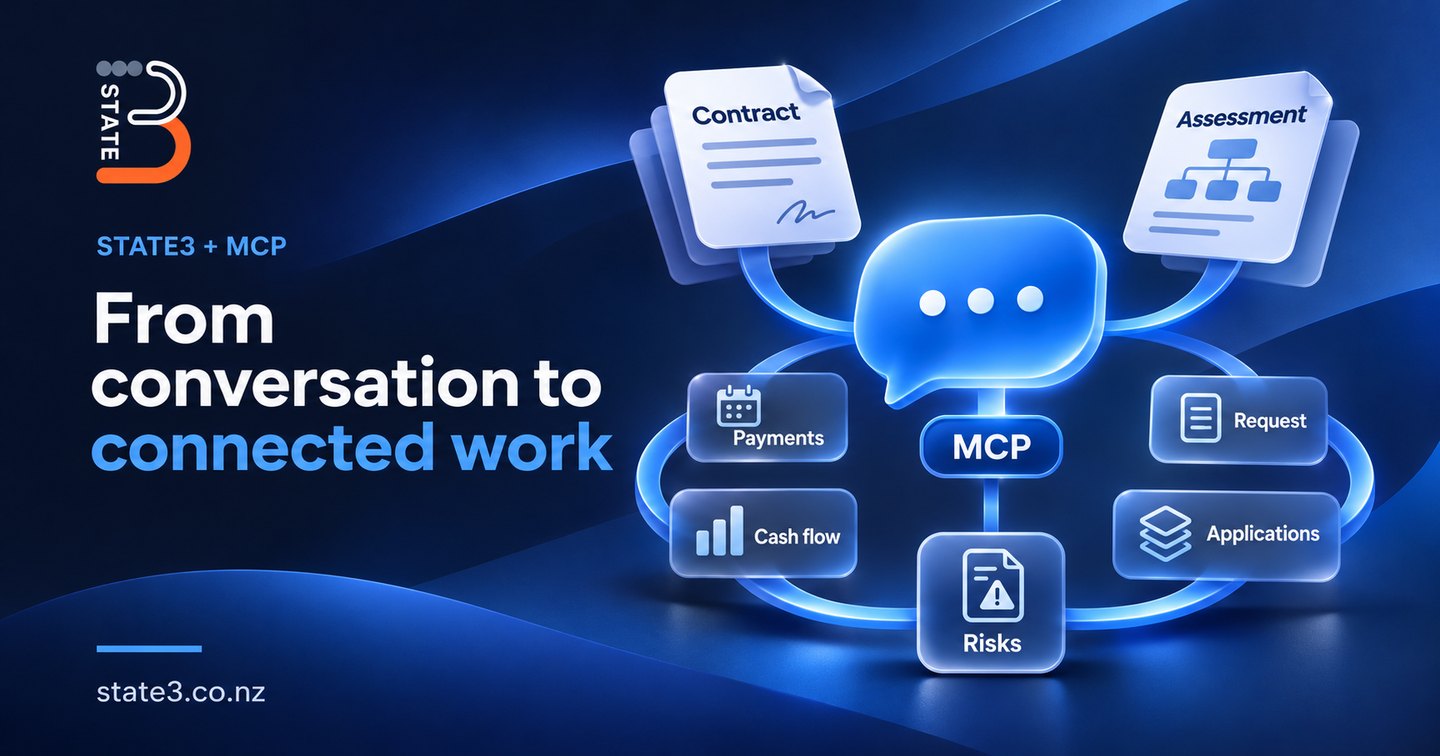
We've released STATE3's MCP connection to a small group of customers, and the response so far has been enthusiastic. What's getting their attention is the ability to complete work that previously meant moving through several parts of the product and entering information at each step.
STATE3 holds connected information about an organisation's applications, contracts, risks and other business records. Working with that information often involves several related tasks. A contract needs payment schedules. An architecture assessment needs links to applications and records of the risks it identifies.
MCP lets AI assistants such as Copilot and Claude work with STATE3 and carry out those tasks through a conversation. Two examples show what that means in practice.
From a contract upload to payment schedules and risks
Setting up a contract involves more than creating a contract record.
In the usual workflow, a person creates the vendor and contract record, then enters the payment schedules: how many payments there are, how often they're due and what type they are. They also assess the contract's risks and capture each risk in STATE3.
That work can take us a couple of hours.
Through the MCP connection, the workflow can now start with an uploaded contract. The user works through it with Copilot or Claude, and the assistant carries out the setup in STATE3, including the payment schedules, risk analysis and cash flow analysis.
The appropriate risk structure needs to be in place already.
In our early experience, work that would normally take us a couple of hours has become a document upload and roughly 10 to 15 minutes of conversation. That's an estimate from our use so far, rather than a formal benchmark or a promise for every contract.
From an architecture assessment to connected records
An architecture assessment involves a similar set of related tasks.
A person uploads the assessment into STATE3's requests area. The workflow creates the request, maps the answers into the request form and connects it to the relevant applications already recorded in STATE3. It also creates risks based on the organisation's architectural concerns or principles.
The request, applications and risks remain connected and traceable. Someone following up on a finding can see which application it concerns and the assessment it came from.
This reduces the manual work of transferring answers, creating individual records and linking them together.
What we're learning from the first customers
STATE3 covers a broad range of work. That breadth means a single business task can involve several screens and different types of records.
The early response suggests that carrying out those steps through conversation makes a meaningful difference to how people experience the product. They can start with the document and the task they need to complete, while the assistant uses STATE3's MCP connection to carry out the related work.
The underlying setup still matters, including the risk structures and architectural principles used in these examples. We're still early in the rollout, and we'll learn more as customers use it in their day-to-day work.
For now, these examples show a practical change: a conversation can take an uploaded document through to connected records in STATE3, reducing the work people previously had to do manually.
To see what STATE3 can answer and do over MCP, read about AI assistants and STATE3, or get in touch.